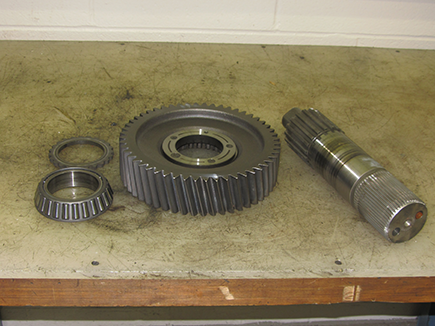
MHP/MXP/VHP/VXP Auxiliary Section Removal and Disassembly
Special Instructions
None
Special Tools
- RR1006TR – Auxiliary Section Hanger
- RR1002TR – Counter Shaft Support Tools
- Soft bar
- Maul
- Press
- ACM Alignment Pins (P/N XXXX)
Component Identification
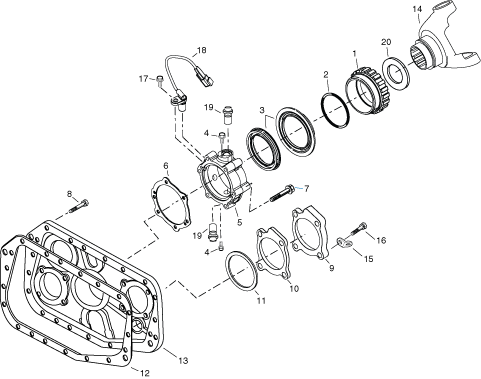 | |
1. Rotor Assembly 2. O-Ring 3. Oil Seal 4. Capscrew 5. Rear Bearing Cover Assembly 6. Gasket 7. Capscrew 8. Capscrew 9. Cover 10. Gasket | 11. Shim 12. Gasket 13. Rear Housing 14. Yoke-1710 Half Round 15. Lifting Eye 16. Capscrew 17. Capscrew 18. Directional Speed Sensor 19. Plug 20. Shield |
Output Yoke Removal
Remove the two bolts that fasten the output Yoke to the output shaft.
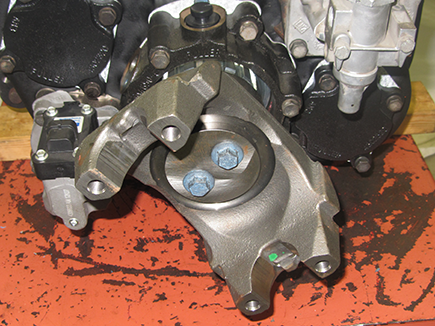
Remove the Output Yoke from the Output Shaft. A maul or hammer may be required to apply force to the yoke for removal.
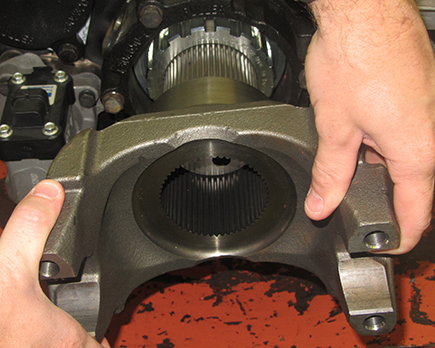
Auxiliary Section Removal
Remove the 4 9/16” cap screws on the Range Cylinder Cover.
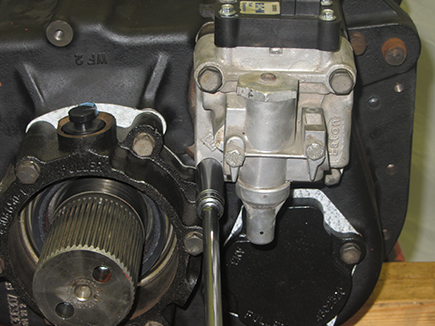
Remove the Range Cover Assembly
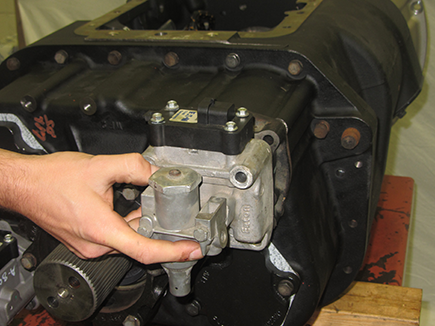
Remove the 4 1/2” cap screws retaining the Splitter Cylinder Cover.
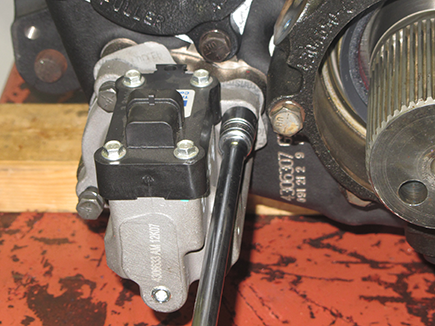
Remove the Splitter cylinder cover
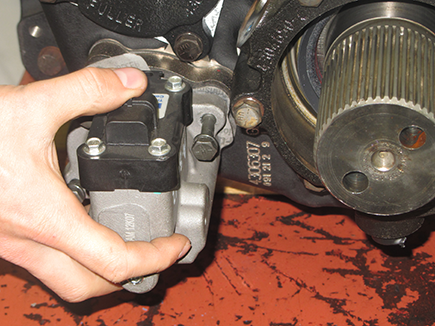
Remove both Auxiliary Counter Shaft Bearing Covers.
Note: It is helpful to mark the covers to indicate which position they are in as they will need to be reinstalled in the same location.
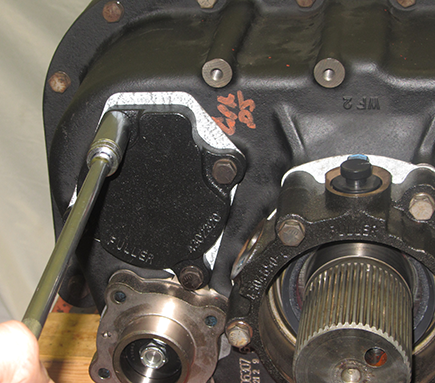
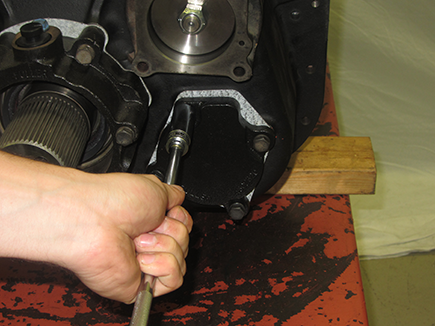
Install Auxiliary Counter Shaft Support straps using 3 of the 4 bolts from the Auxiliary Counter Shaft Bearing covers. Use the longer bolts to secure the center of each strap as this will ensure the Auxiliary Countershafts will remain in time.
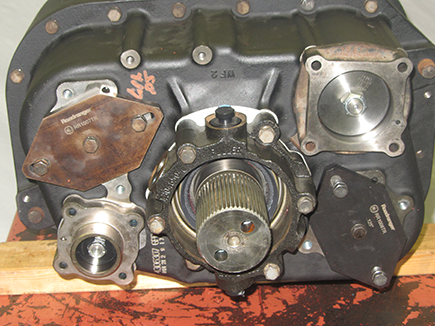
Remove the 19 bolts that fasten the Auxiliary Section to the Transmission Main Case.
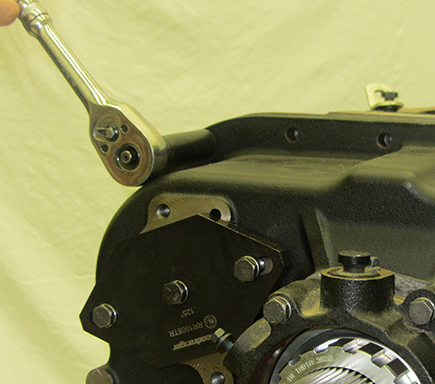
Using a pry bar to assist, separate the Auxiliary Section from the transmission main case enough to fit the auxiliary section hanger (RR1006TR) into place.
Note: It may be necessary to drive the dowel pins forward to help dislodge the Auxiliary Section.
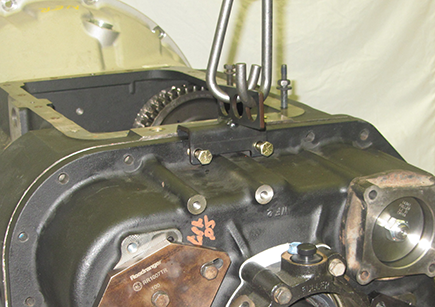
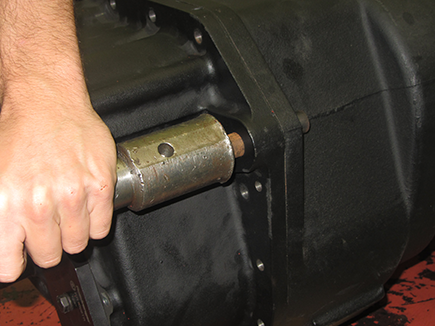
Using an overhead crane or hoist, remove the Auxiliary Section with the auxiliary section hanger.
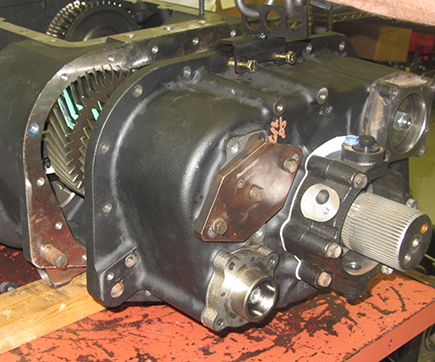
Auxiliary Section Disassembly
Too ease in the disassembly of the Auxiliary Section. Place in a vise.
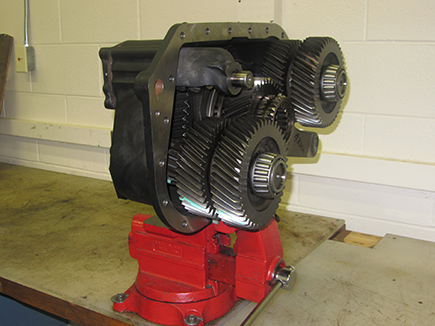
Remove the 15/16” nut that fastens the Range Cylinder Assembly to the range shift Yoke bar.
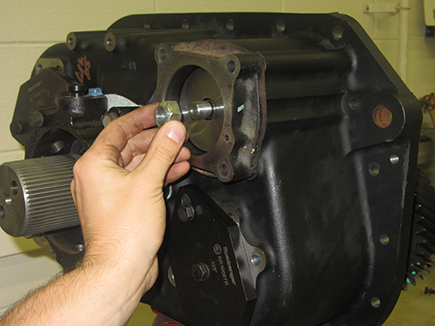
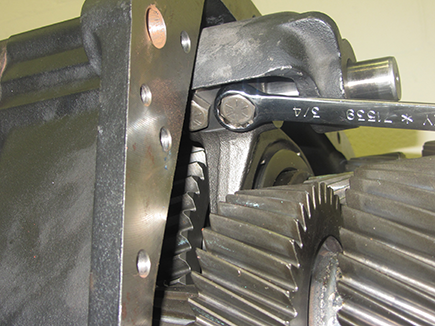
Remove the two 3/4” cap screws that secure the Range Yoke Bar to the Range Yoke Fork.
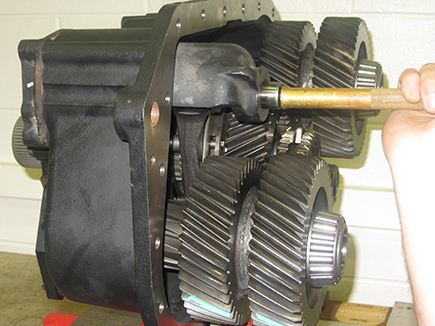
Using a soft maul, drive the Range Yoke Bar towards the rear of the auxiliary case. Remove the piston once relieved from cylinder bore.
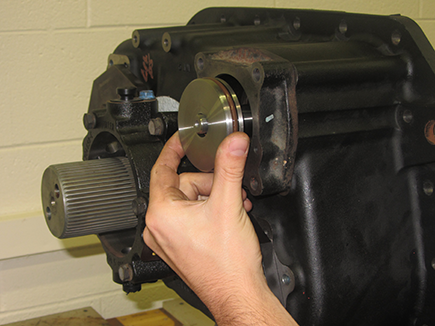
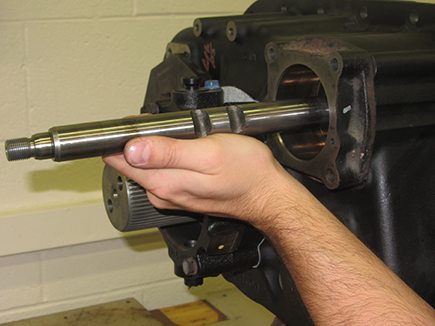
Remove the Range Cylinder assembly.
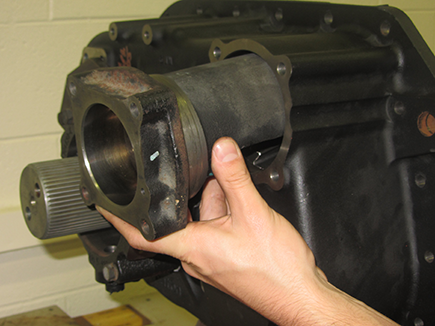
Remove the 3/4” Lock Nut on the Splitter Yoke Bar.
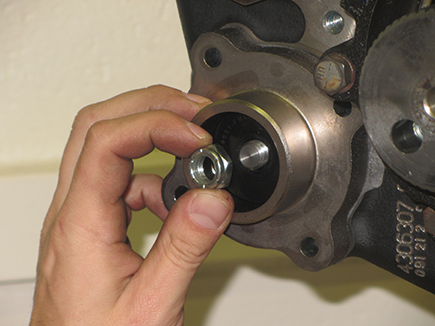
Remove the Splitter Sliding Clutch and Splitter Yoke bar and fork.
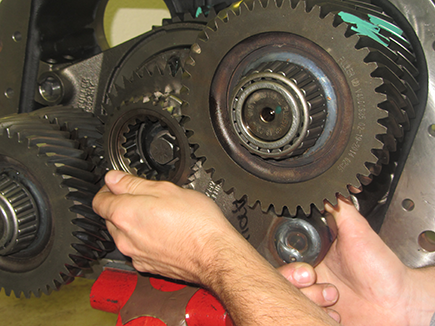
Remove the Splitter Cylinder Assembly
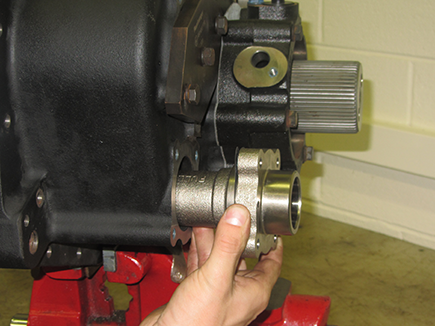
Prepare the Auxiliary Section to remove the Auxiliary Counter Shafts. For ease of disassembly, mount the Auxiliary Section upright in a vise.
Caution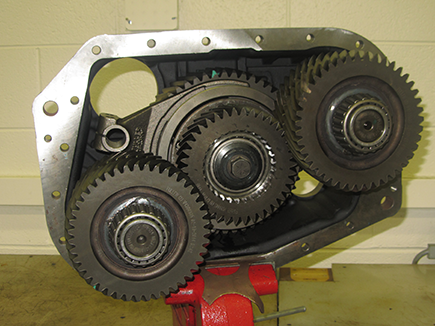
Loosen the 15/16” cap screw and retainer on the Output Shaft. Do not remove the cap screw.
Note: To prevent the counter shafts from turning, place a shop rag or equivalent between the splitter gear and one counter shaft.
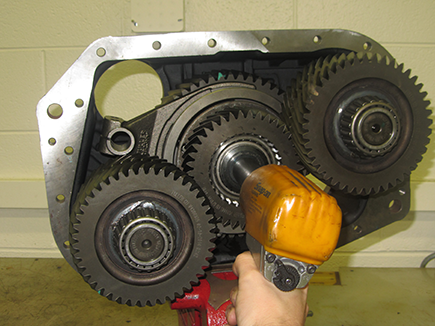
Using a soft bar and maul, drive the Output Shaft forward far enough to partially unseat the bearing.
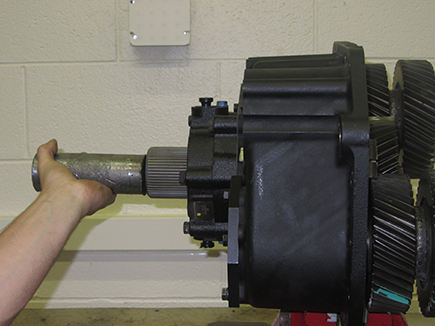
Support the Auxiliary Countershaft and remove the strap from the rear of the Auxiliary Case Housing
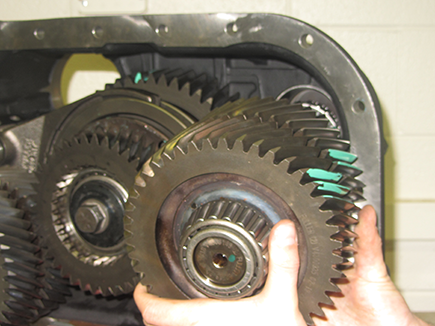
Repeat process to remove 2nd Auxiliary Counter Shaft.
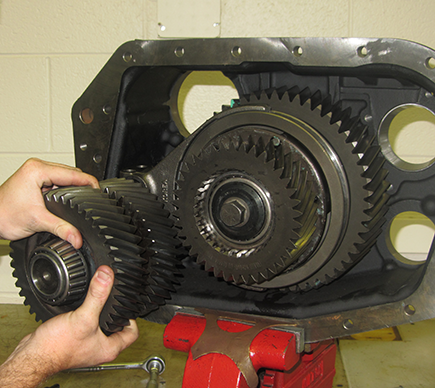
Remove the Auxiliary Counter Shaft Bearing Races from their bores.
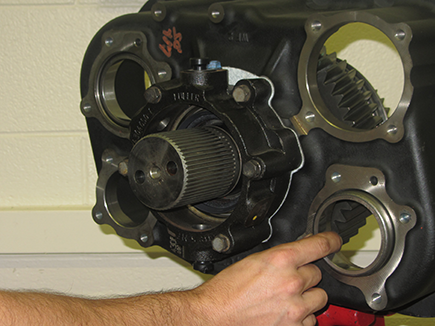
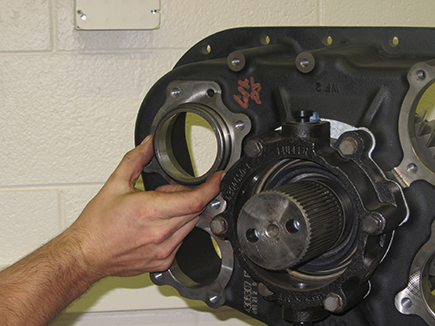
If necessary, secure the Countershafts in a vise and remove both the front and rear bearings from the shafts with a bearing separator and jaw pullers.
Remove the 15/16” cap screw and retainer bolt that was loosened in step 9
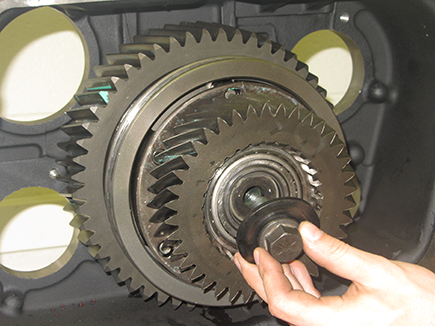
Remove the splitter gear from the Output Shaft
Note: For disassembly and assembly of the Splitter Gear assembly, please refer to the “Splitter Gear Bearing Disassembly and Assembly – MHP, MXP, VHP, VXP” section
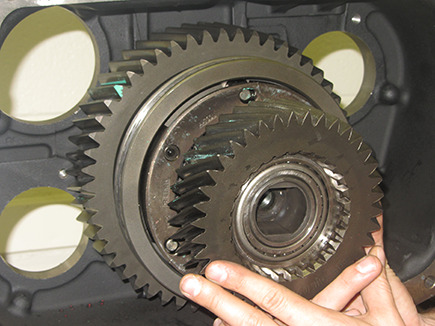
Remove the Range Synchronizer Assembly from the Output Shaft
Note: For disassembly and assembly of the Syncrhonizer, please refer to the “How to disassemble the Sychronizer Assembly” section.
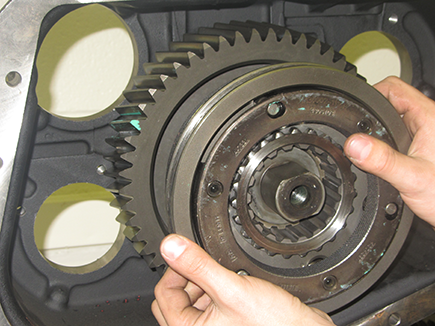
Using a soft bar and maul, drive the Output Shaft forward and through the Rear Bearing Assembly.
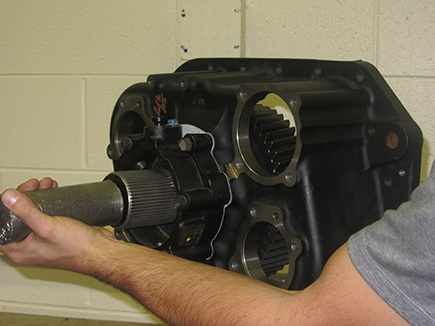
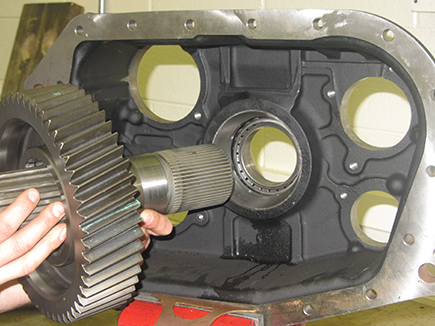
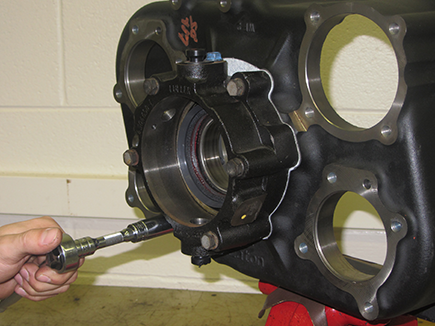
Remove the six cap screws that fasten the Output Shaft bearing cover to the Auxiliary Section.
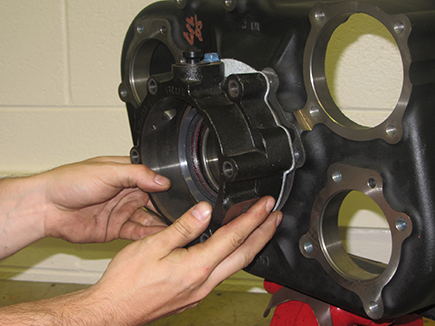
Remove the Output Shaft bearing cover.
Inspect the Rear Bearing Cover oil seal for damage. Remove if damage is found.
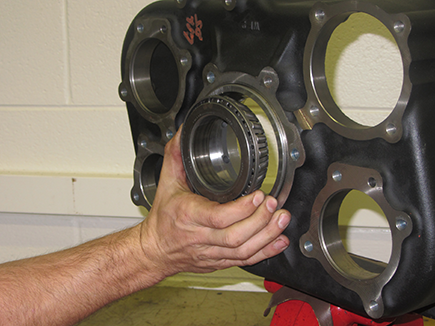
Remove the rear portion of the tapered bearing which should be free sitting in the race in the case. Also remove the one piece race from it’s bore.
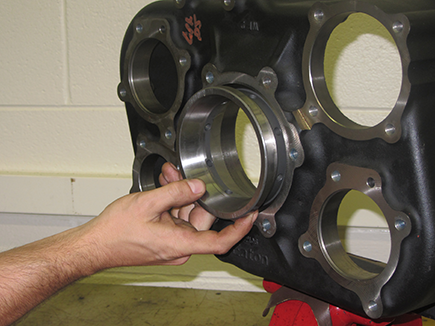
Auxiliary Mainshaft Disassembly
Remove the bearing inner spacer from the Output Shaft
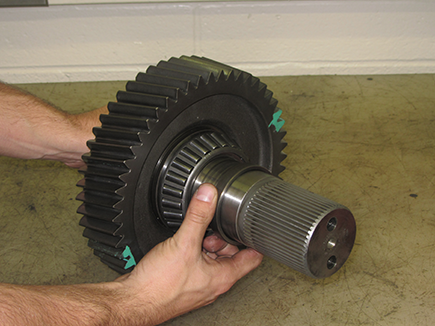
Using the Auxiliary Mainshaft Assembly Gear front as a base, press the Output Shaft through the bearing and gear.
Note: If reusing the bearing set, the tapered roller bearings are specific to each side of the race.
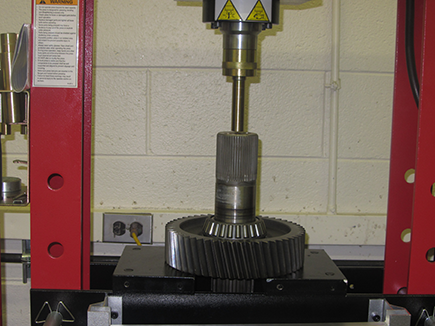
Remove the splined spacer and stepped washer from the Auxiliary Reduction Gear